
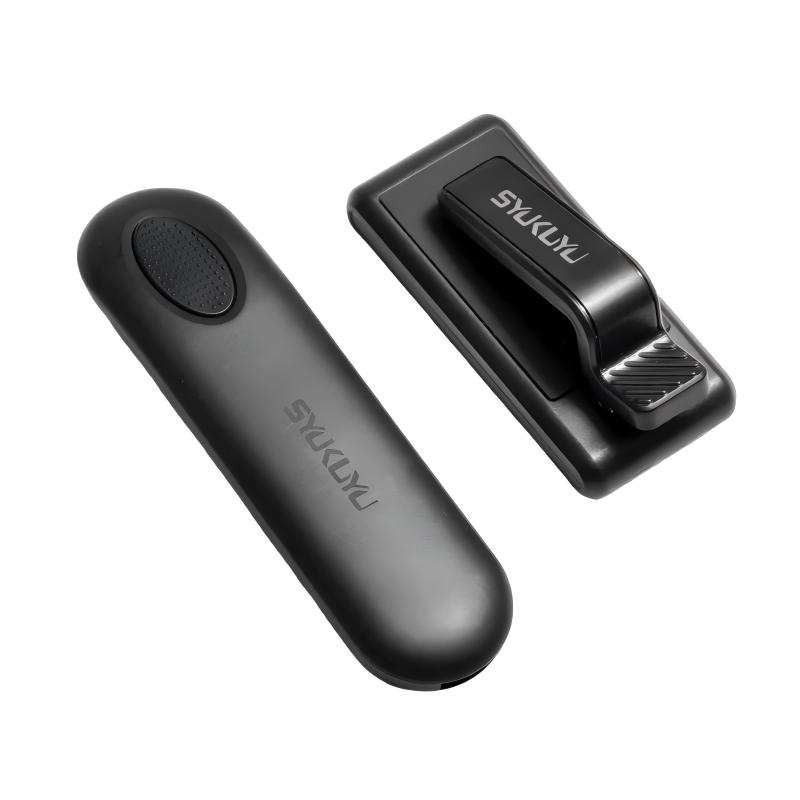
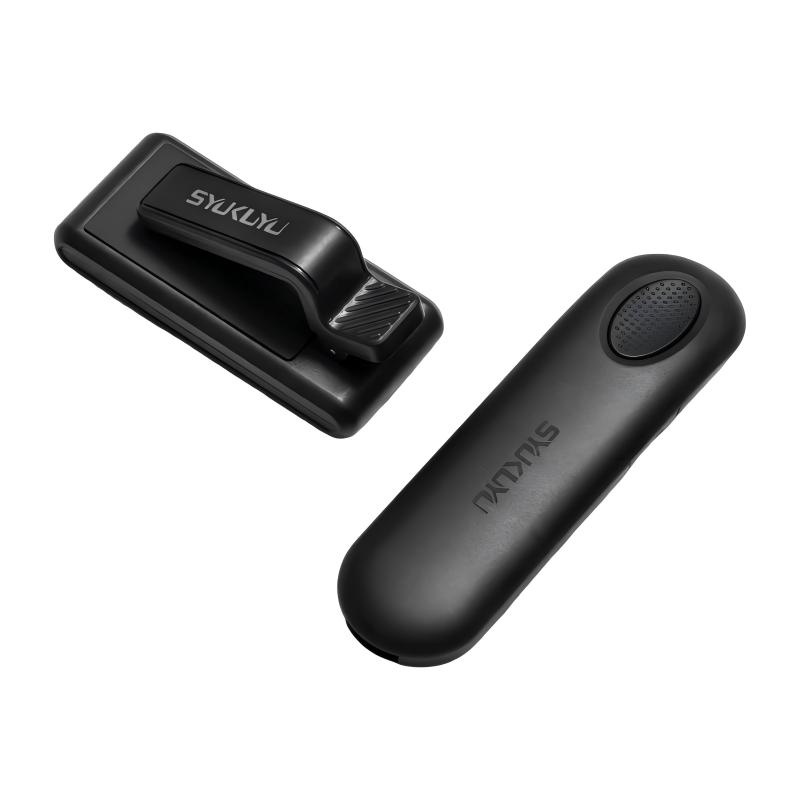
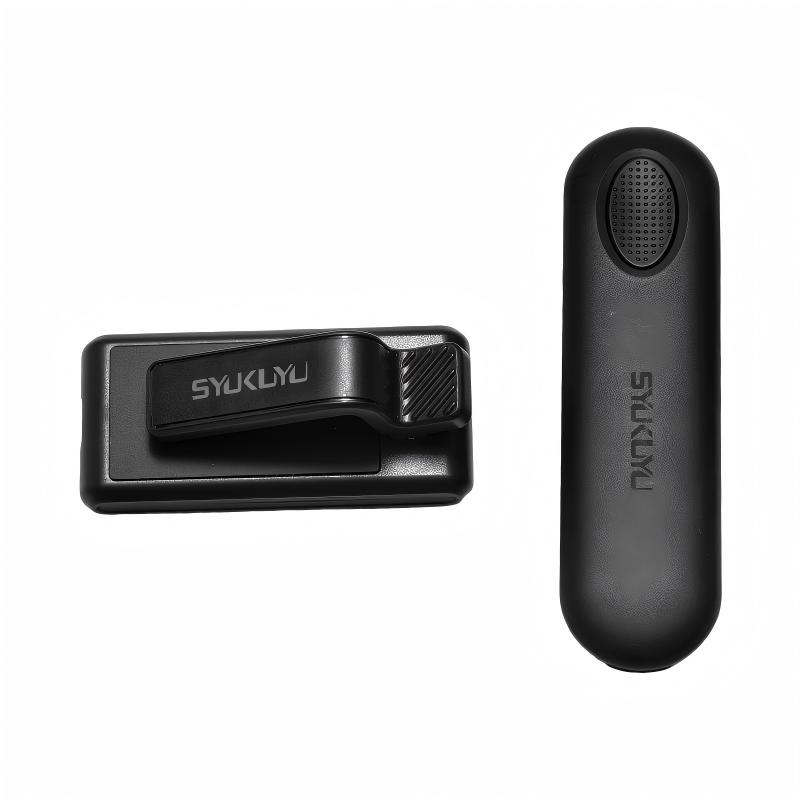
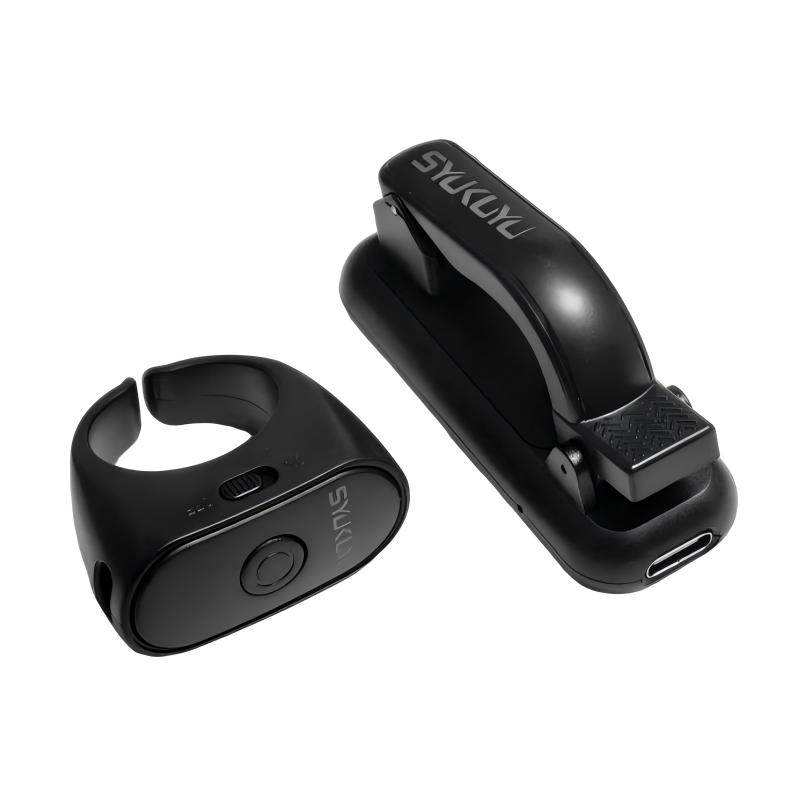
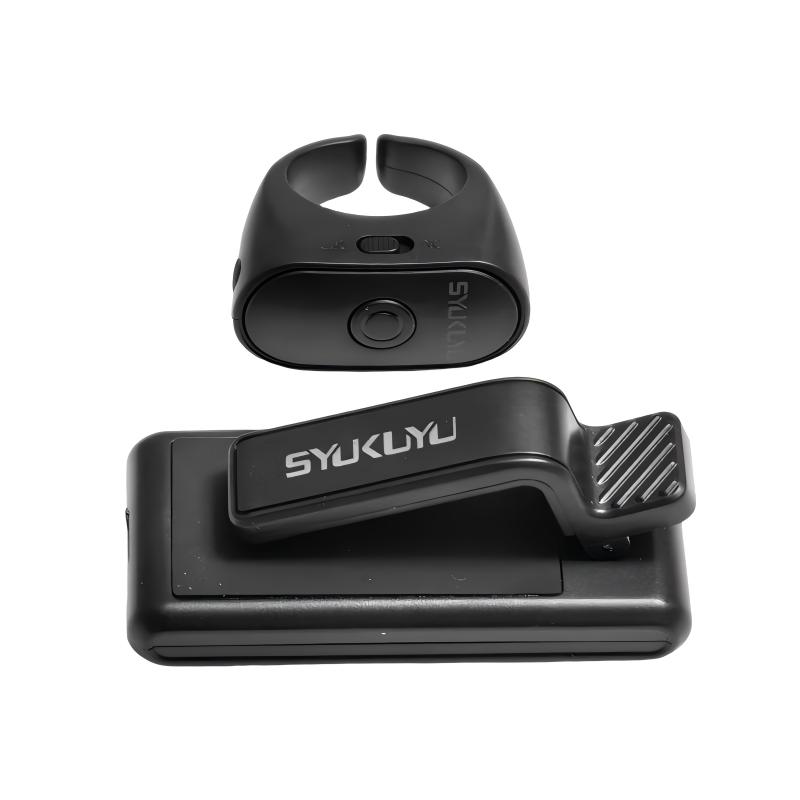
Parameters o fProduct:
Battery charging capacity (receiver):120 mAh
Battery charging capacity (transmitter):55 mAh
Charging time:2 hours
Charging voltage:5V
Wirelessrange:10 meters
Material:ABS plastic
How To Use Page Turner:
First step
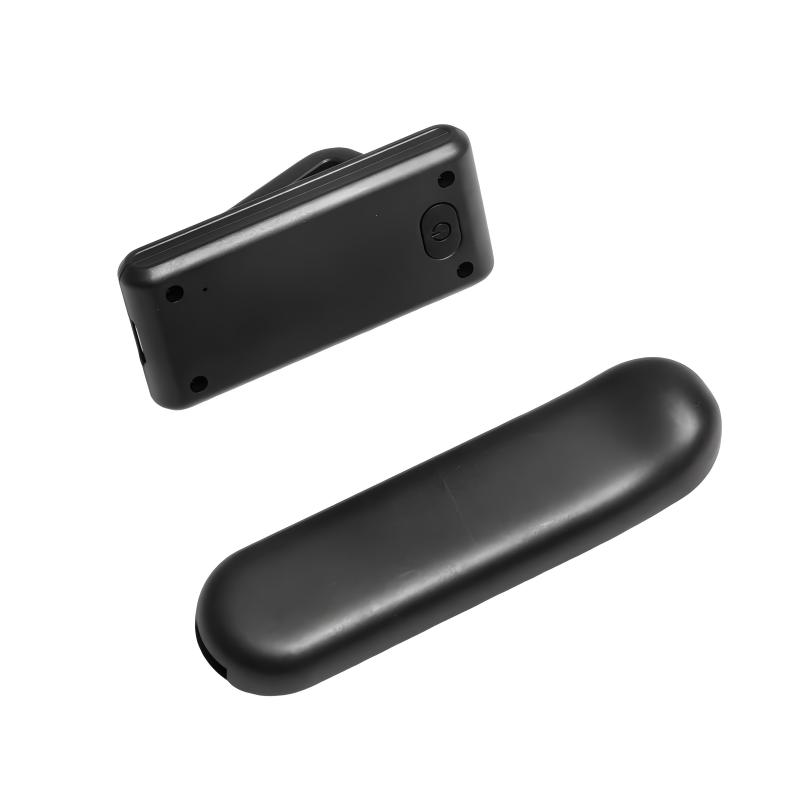
Turn on the power button on the right side of transmitter
Then press the circular button in the middle of transmitter
Indicator light is on.At this time ,transmitter is on successfully
Second step
Press button of receiver ,
Indicator light is on, at this time,
receiveris on successfuly
Third step
Receiver and transmitter
will be paired automatically
Fourth step
Clip the receiver onto the reader
FAQ For The Page Turner
1.How to paring
If the receiver and transmitter are not paired successfully , or if there are two sets of devices in the household , pair them all . If it fails , restart the transmitter and press and hold the power button on the receiver until the LED indicator flashes twice before releasing it . At this point , if you press the circular button on the remote control with a single finger , you can see the LED indicator light flashing again . At this point , they have already re – paired .
Common Issues
1.Mismatch between the clip unit ( RX ) and the ring unit ( TX ).
2.Signal interference when two sets of products are used simultaneously .
The above problems can be resolved by re – pairing . Please follow the steps below :
Re – pairing Instructions ( Clip Unit RX / Ring Unit TX )
1.Press the button on the clip unit ( RX ). The indicator light will stay on , meaning it is ready for pairing . Then press the button on the ring unit ( TX ) to complete pairing .
2.To pair with another ring unit ( TX ): Press the button on the clip unit ( RX ) again . When the indicator light stays on and enters pairing mode , press the button on the new ring unit ( TX ). The indicator light on the clip unit will turn off , indicating successful pairing .
Note : Each paired set works independently with no mutual interference .
2.Page turner can not work well
2.1: Check whether the transmitter and receiver are paired . Press any button on the remote control and check if the Led indicator light flashes on the receiver . If the indicator light does not flash , it means the pairing is not successful . Check everything and re – pair them .
2.2: The receiver of the page turmer may not support older versions of Kindle 7/8. If the page turner can be compatible with your smart the phone is working normally , which is not a problem with this product . It ‘ s just that this product does not support your Kindle version .
2.3: Ensure that the receiver and transmitter are in an awake state .
- Not supported by the Kindle application
3.1: Please turn off continuous scrolling !【 Aa – Continuous scrolling page 1 If there are other e – book applications , check the settings of the e – book application .
For example , for Adobe PDF files , set the PDF view is set to single – page view .
- The receiver obscures the text
4.1: You can adjust the edge settings [ Page – Edges ].
4.2: You can adjust the position of the receiver ( place it below the screen ).

Sarah Reviewed in the United States –
The best thing I didn’t know I needed! I love it! Works well, battery lasts a very long time. I like that it has an automatic turn off feature if I don’t like the “next page” button after a while. I bought 2 more to give as gifts. Highly recommend. Easy to set up and fits with most cases.
Kent’s Reviewed in the United States –
Works great!
Mandy M Reviewed in the United States –
been using for about a month and a half and it’s amazing!! Works well, very easy to use. I haven’t had any issues and i love that it comes with dust covers for the charging ports.I do wish it came with a little bag to hold everything in though.